环境准备

请先完成 环境配置,确保 Node.js 已正确安装
Windows 用户必读:Codex 需要在 WSL 环境中运行

安装

方法一:Homebrew(推荐)
brew install codex
方法二:NPM
npm i -g @openai/codex --registry=https://registry.npmmirror.com

配置

配置文件位于:
  • macOS/Linux: ~/.codex/
  • Windows: ~/.codex/
1. 创建 config.toml
model_provider = "rayinai"
model = "gpt-5.3-codex"
model_reasoning_effort = "xhigh"
disable_response_storage = true
model_verbosity = "high"
network_access = true

[model_providers.rayinai]
name = "rayinai"
base_url = "https://code.rayinai.com/v1"
wire_api = "responses"
requires_openai_auth = true
Windows 用户需额外添加 windows_wsl_setup_acknowledged = true
2. 创建 auth.json
{
  "OPENAI_API_KEY": "your-api-key-here"
}
your-api-key-here 替换为你的 API Key

使用

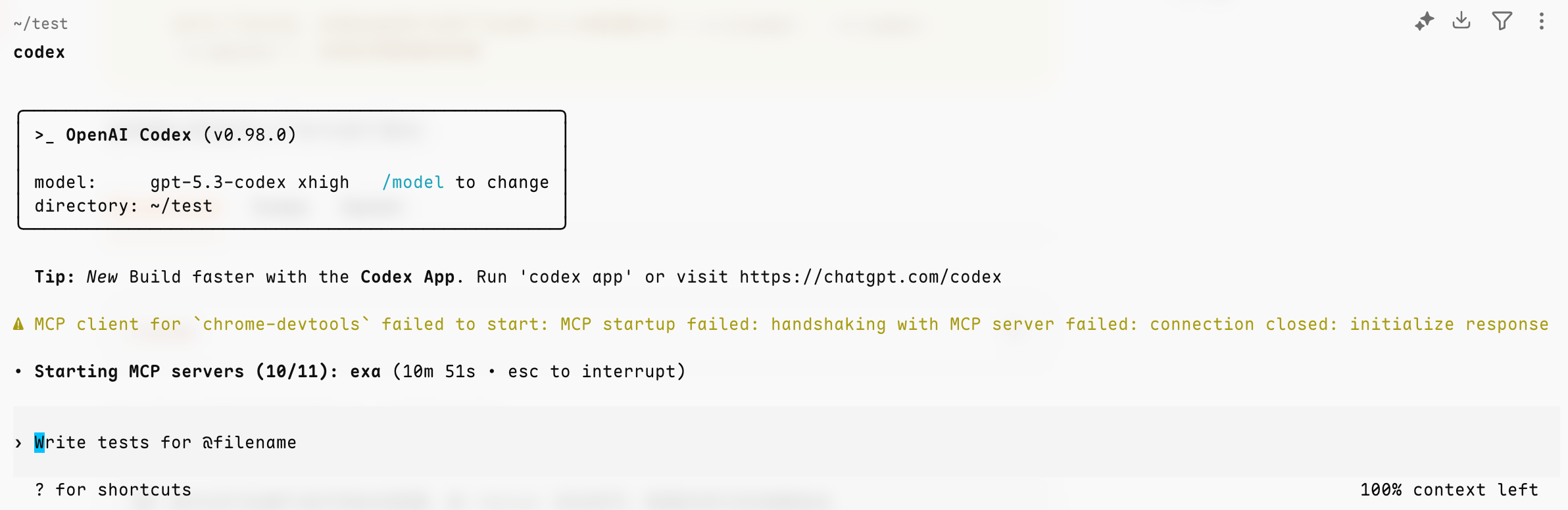
在终端运行 codex,看到对话界面并能正常回复即表示配置完成
codex
Codex 运行界面

遇到问题

Codex 常见问题

查看 Codex 配置相关的常见问题