环境准备
请先完成 环境配置,确保 Node.js 已正确安装
方法一:Homebrew(推荐)brew install --cask claude-code
方法二:Native Installcurl -fsSL https://claude.ai/install.sh | bash
方法一:Native Install(推荐)irm https://claude.ai/install.ps1 | iex
方法二:WinGet(Windows 原生包管理器)winget install Anthropic.ClaudeCode
方法一:Native Install(推荐)curl -fsSL https://claude.ai/install.sh | bash
编辑配置文件:
- macOS/Linux:
~/.claude/settings.json
- Windows:
C:\Users\你的用户名\.claude\settings.json
{
"env": {
"ANTHROPIC_AUTH_TOKEN": "your-api-key-here",
"ANTHROPIC_BASE_URL": "https://code.rayinai.com",
"CLAUDE_CODE_DISABLE_NONESSENTIAL_TRAFFIC": "1"
},
"permissions": {
"allow": [],
"deny": []
}
}
将 your-api-key-here 替换为你的 API Key
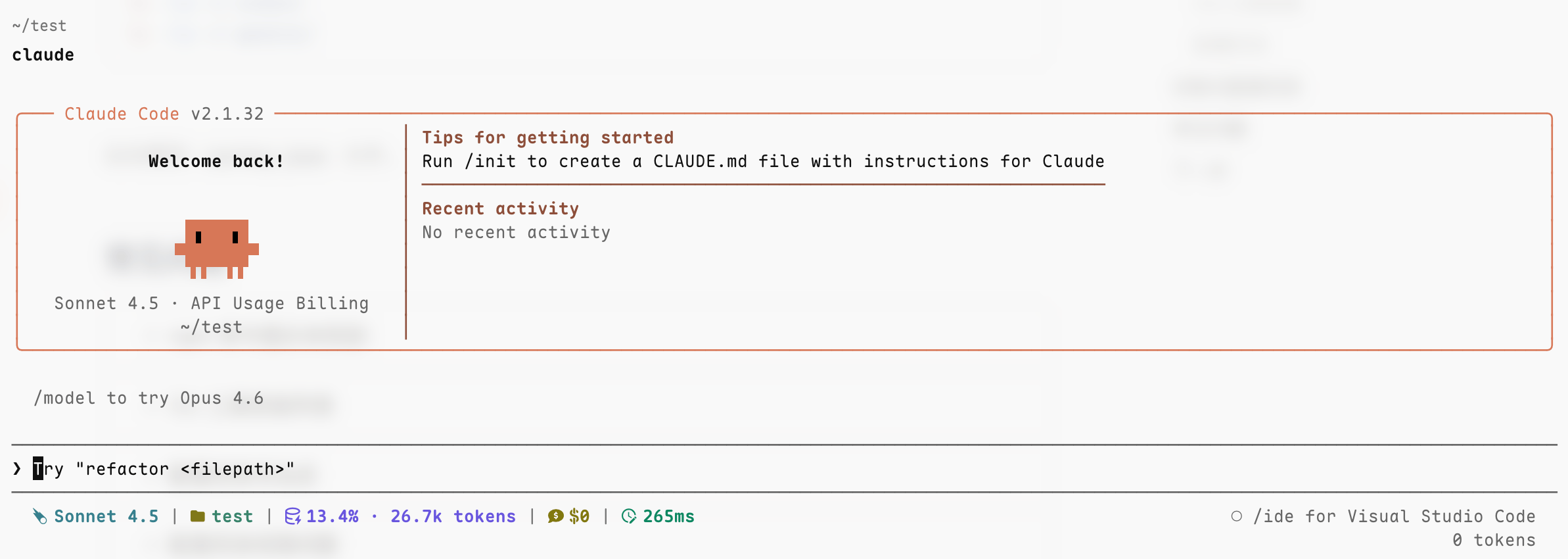
在终端运行 claude,看到对话界面并能正常回复即表示配置完成
遇到问题
Claude Code 常见问题
查看 Claude Code 配置相关的常见问题